Importers & regional distributors
Plan market coverage, dealer supply, opening stock and local service arrangements. Define the requested territory and sales channels before discussing authorization.

Bring GEAKITA tools, batteries and accessories to your customers—with a focused assortment, a clear retail presentation and a practical launch plan.
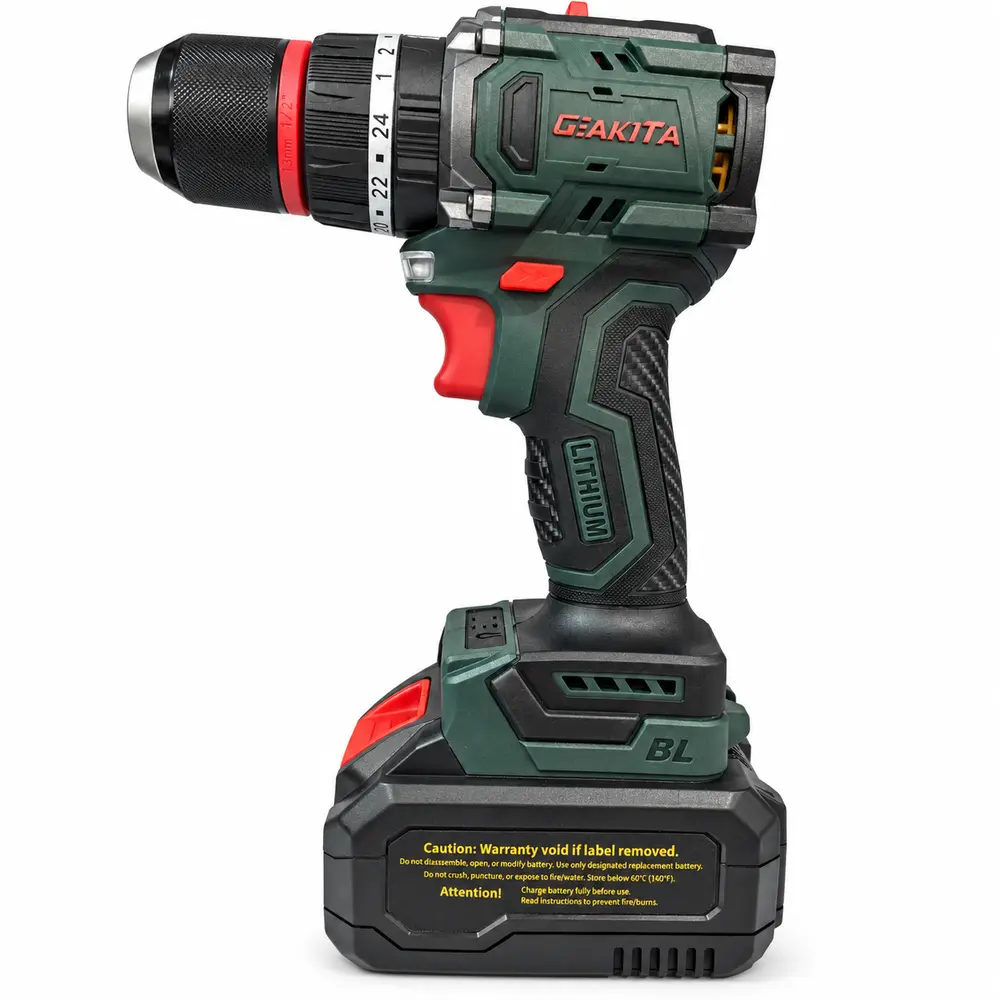
Connect the lead model with batteries,
accessories and a replenishment plan.
Tell us where you sell, who you serve and how you support customers. These details shape the assortment, launch preparation and cooperation discussion.
Plan market coverage, dealer supply, opening stock and local service arrangements. Define the requested territory and sales channels before discussing authorization.
Start with everyday drilling and fastening. Build a recognizable GEAKITA display with clear specifications, compatible batteries and replenishable accessories.
Coordinate a focused model selection, shelf presentation, kit contents and store rollout. Prepare consistent product information across locations.
Build listings around exact model variants, clear product images and complete packing lists. Match the range to your marketplace or professional customer base.
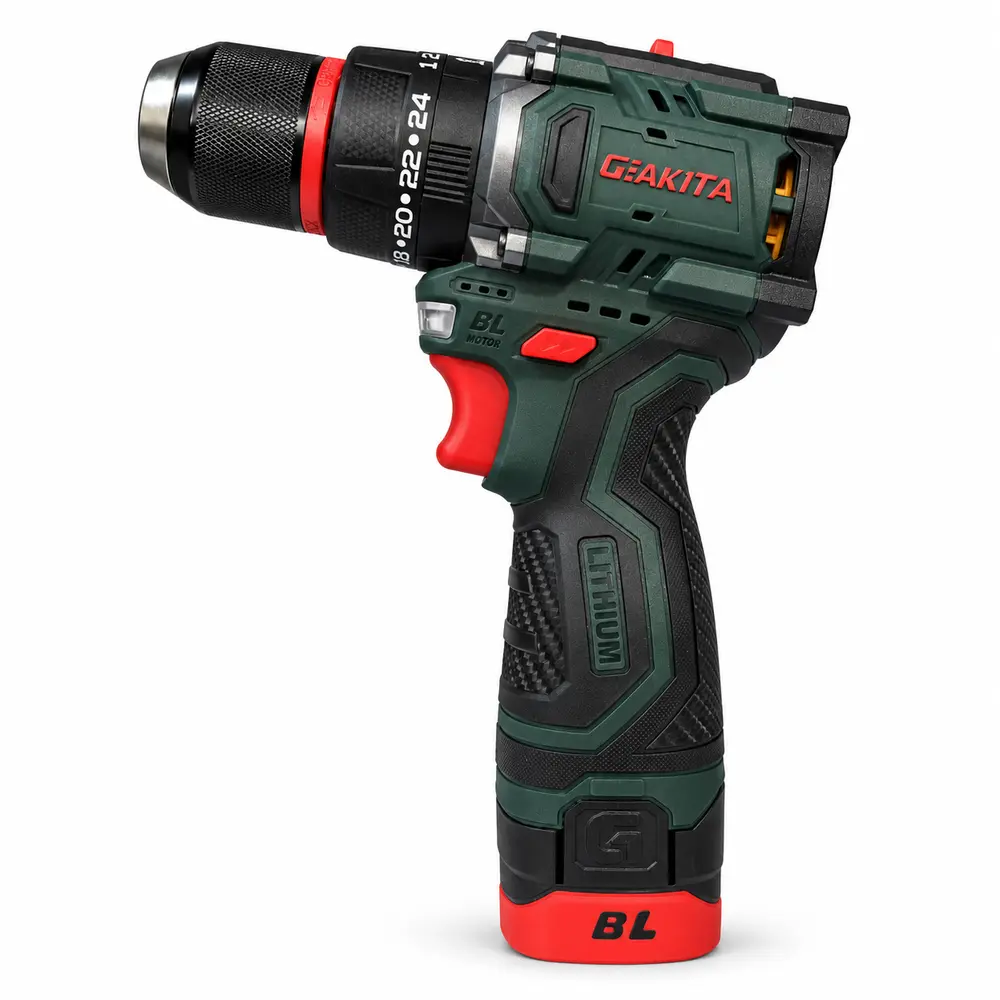
DK01-1, DK02, DK03, DK05 and DK05-1 form the hardware and home-improvement selection.
Explore the channel →Lead with PT12-1. Construction supply adds PT12, JM05 / JM05-1 and GKR05 / GKR06. Retail-chain selections also include PT05 / PT05-1, PT06 / PT06-1 and TF350.
Explore the channel →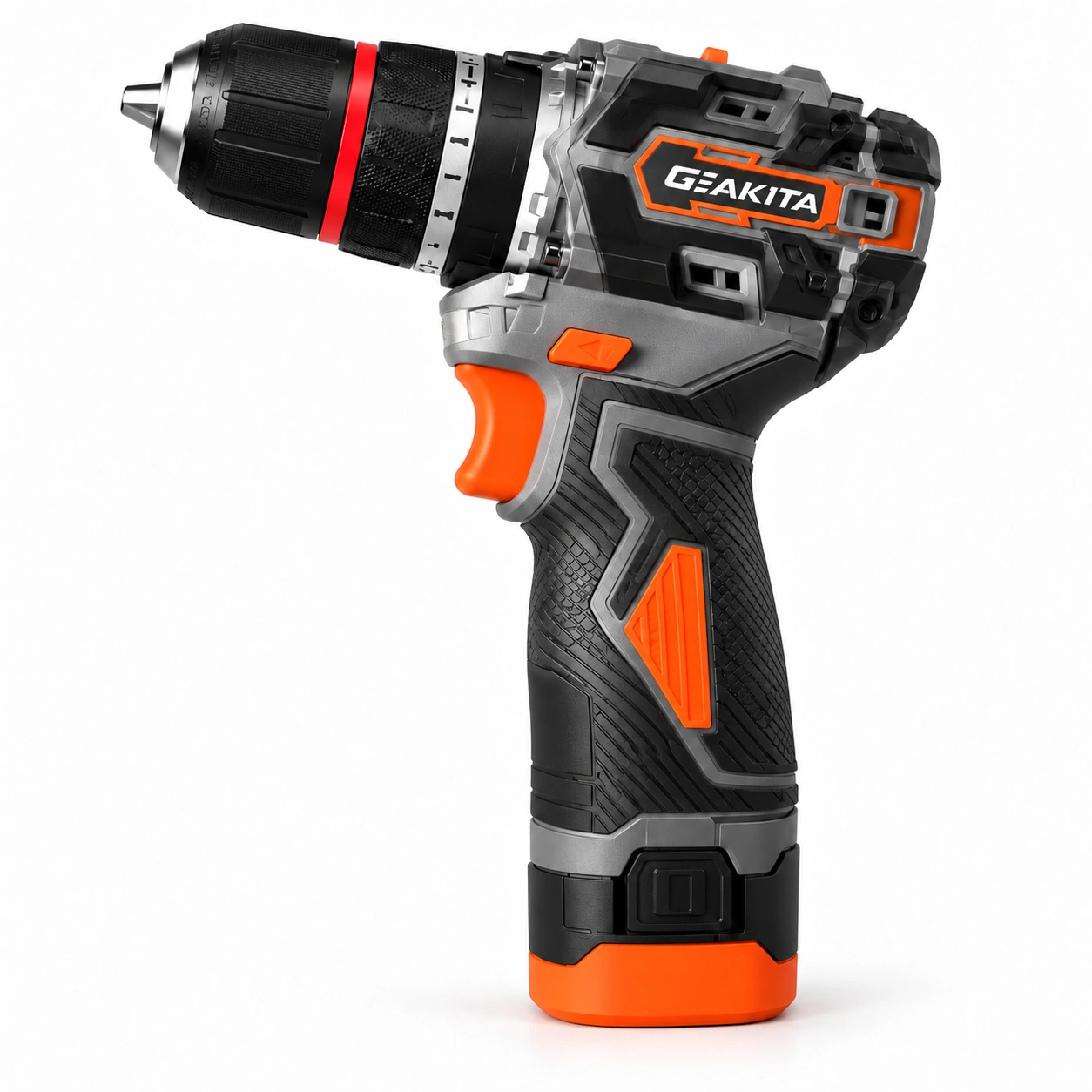
Include GDK02 / GDK02-1 and GPT12 / GPT12-1 drills, then add G-series drivers and grinders.
Explore the channel →Choose the everyday job and the lead SKU. Keep its purpose easy for your sales team to explain.
Specify batteries, charger plug, accessories and case. Match the packing list to each model and order.
Offer compatible batteries and chargers. Record the interface, cell option and complete-pack capacity separately.
Plan repeat orders for bits, cutting discs and grinding consumables based on local demand.
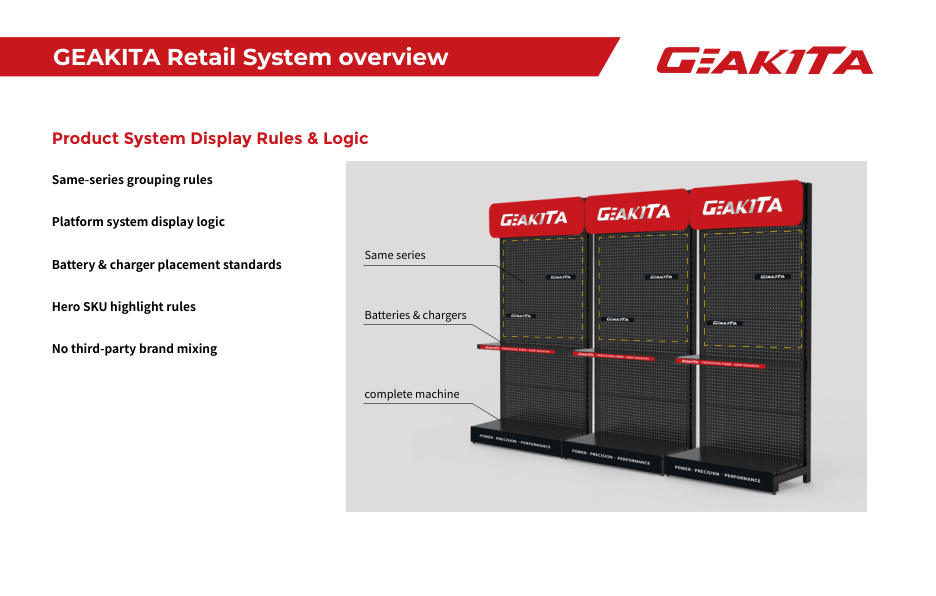
Use the GEAKITA retail framework to connect the storefront, product display and sales conversation. Group the same series together, highlight the lead model and position compatible batteries and chargers beside the tools.
Keep the branded fixture consistent. Add model labels, key specifications and kit contents so customers can compare the complete offer.
Include Store Support in Your Brief →Review the logo, brand colors, entrance message and illuminated or non-illuminated signage for the store format.
Plan shelves, gondolas, POP stands and a demonstration table where appropriate. Provide store dimensions and available display positions.
Prepare product labels, brochures, warranty cards and QR links to product and support information. Use model-specific documents where required.
Discuss posters, entrance decals, counter mats, bags, uniforms or aprons. Confirm the artwork, quantities, cost and delivery responsibilities in the agreed launch scope.
Prepare a short demonstration around the customer’s job: the right tool, the right connection and the right accessory. For TF350, explain the outer square drive for compatible sockets and the hollow centre for compatible drill and driver bits.
Use this mixed-task kit in an appropriate hardware or retail assortment. Keep dedicated drills and industrial wrenches available for more specialized work.
Explore the TF350 Demonstration →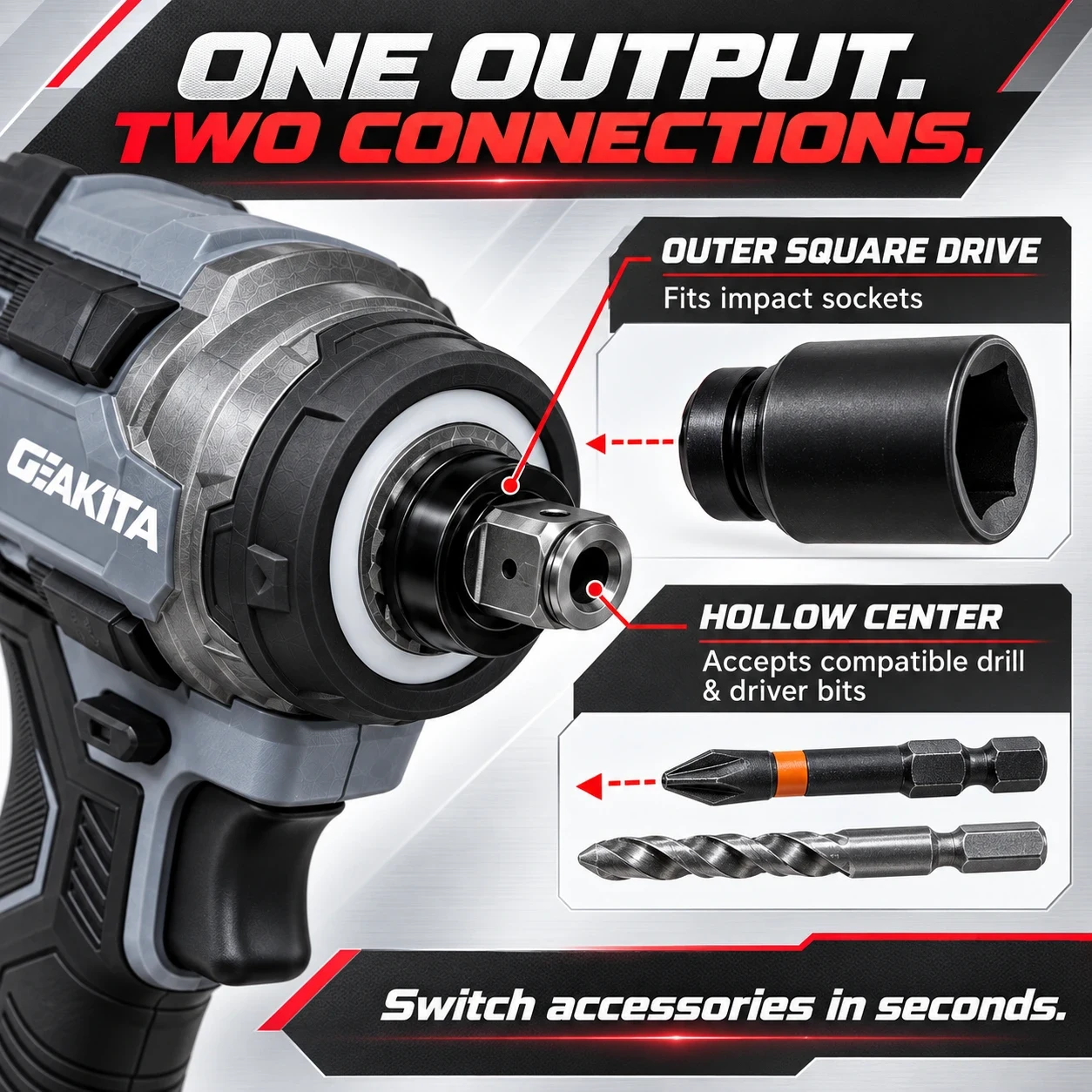
Use this discussion framework to define the operating agreement. It does not replace the signed supply, warranty or service terms.
| Workstream | GEAKITA discussion scope | Distributor preparation |
|---|---|---|
| Product & order | Model selection, configuration, packing list and available product documents. | Local demand, forecast, target market requirements and quantities. |
| Brand & launch | Brand assets, display guidance and agreed launch materials. | Store measurements, channel plan, artwork review and local implementation. |
| Customer service | Agree troubleshooting, parts support and escalation arrangements. | Identify the local service contact and record model, purchase and fault information. |
| Warranty & returns | Confirm coverage, exclusions, evidence and the agreed handling process. | Explain the agreed terms to customers and manage local intake. |
| Replenishment | Review the next order and confirmed supply terms. | Share stock movement, customer feedback and replenishment requirements. |
Company, territory, channels, customer base and launch timing.
Review lead models, kits, batteries, accessories and opening quantities.
Confirm quotation, order conditions, service arrangements and support scope.
Define any authorized territory, channels, duration and permitted brand use in writing.
Approve artwork, product information, display plan and the final packing list.
Use sales feedback and stock movement to shape the next order.
No automatic exclusivity is offered on this page. Territory, channels, duration and any performance conditions must be agreed in writing.
Share the models, kit configurations, quantities and destination. Pricing and order conditions are quoted for the proposed order; no universal minimum or margin is promised here.
The handbook provides a planning framework. Availability, quantities, customization, cost and delivery responsibilities are confirmed in the project scope.
Include all intended categories in the brief. Confirm each model’s battery and charger interface and each kit’s packing list before ordering.
Request documents for the exact model, configuration and destination. Existing reports are model-scoped and should not be treated as certification for the entire range.
This page is for building a GEAKITA-branded business. OEM Solutions covers own-brand customization; Solutions helps you select products for your channel.
Submit your market, product range and launch requirements. Our team can review the application and prepare the cooperation discussion.
Your application is stored securely for GEAKITA to review. Submission does not establish an authorized dealership.