Three shelf roles
Separate home-use DK drills, mixed-use PT drills and the TF350 three-function offer.

Plan a focused tool and accessory range for supermarket buyers and retail chains. Connect assortment, shelf information, packaging and replenishment before rollout.
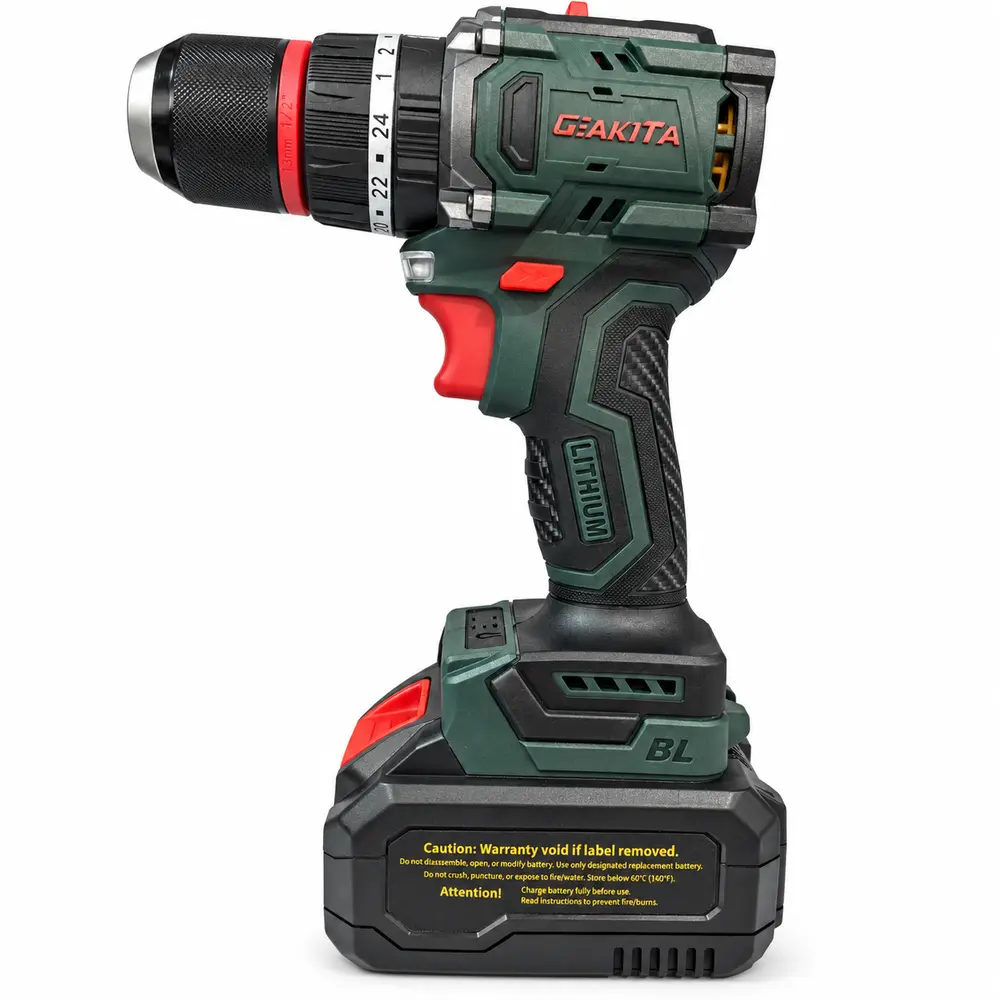
Separate home-use DK drills, mixed-use PT drills and the TF350 three-function offer.
Plan category labels, series grouping, display positions and compatible battery placement.
Keep model, packaging, manual and replenishment references consistent across branches.
DK02 and DK03 anchor home use. PT12 / PT12-1, PT05 / PT05-1 and PT06 / PT06-1 extend the mixed home-and-commercial choice. TF350 adds a three-function demonstration offer.
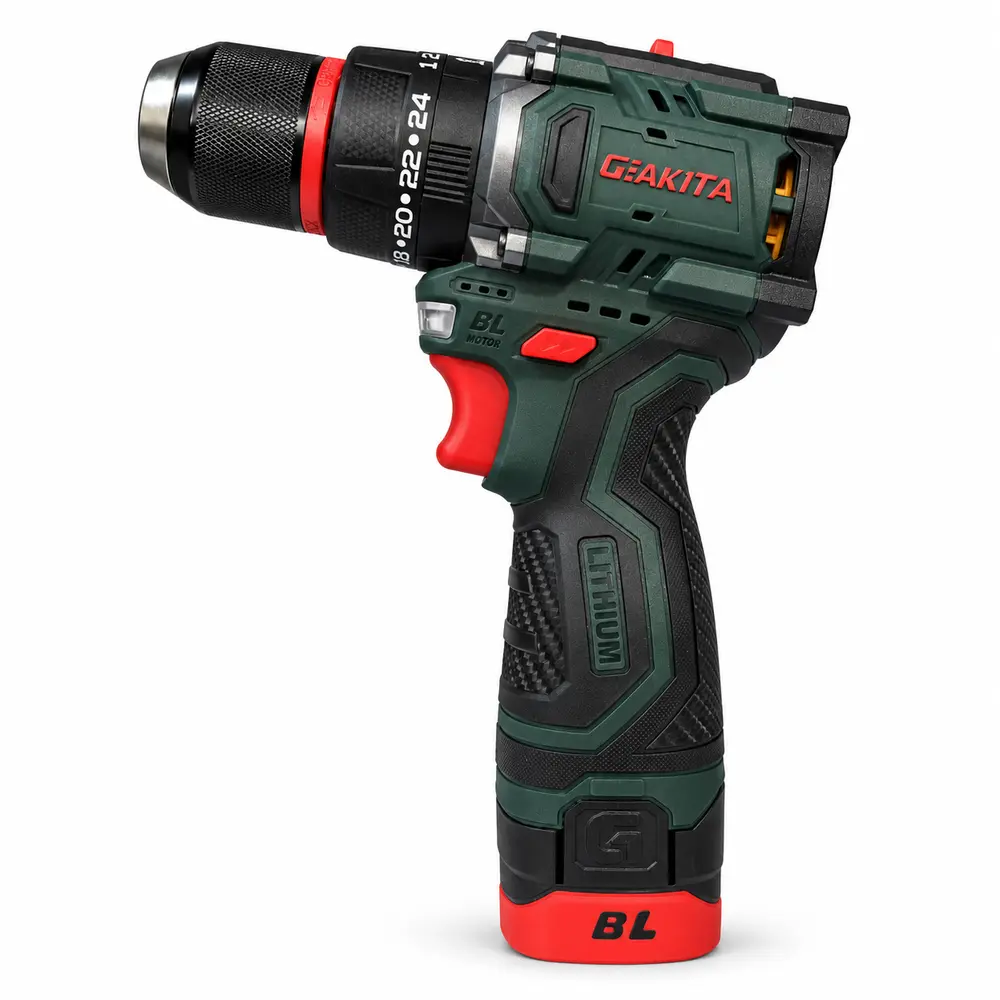
Compare the exact model specifications and define the battery, charger and accessory configuration for the order.
View DK02 →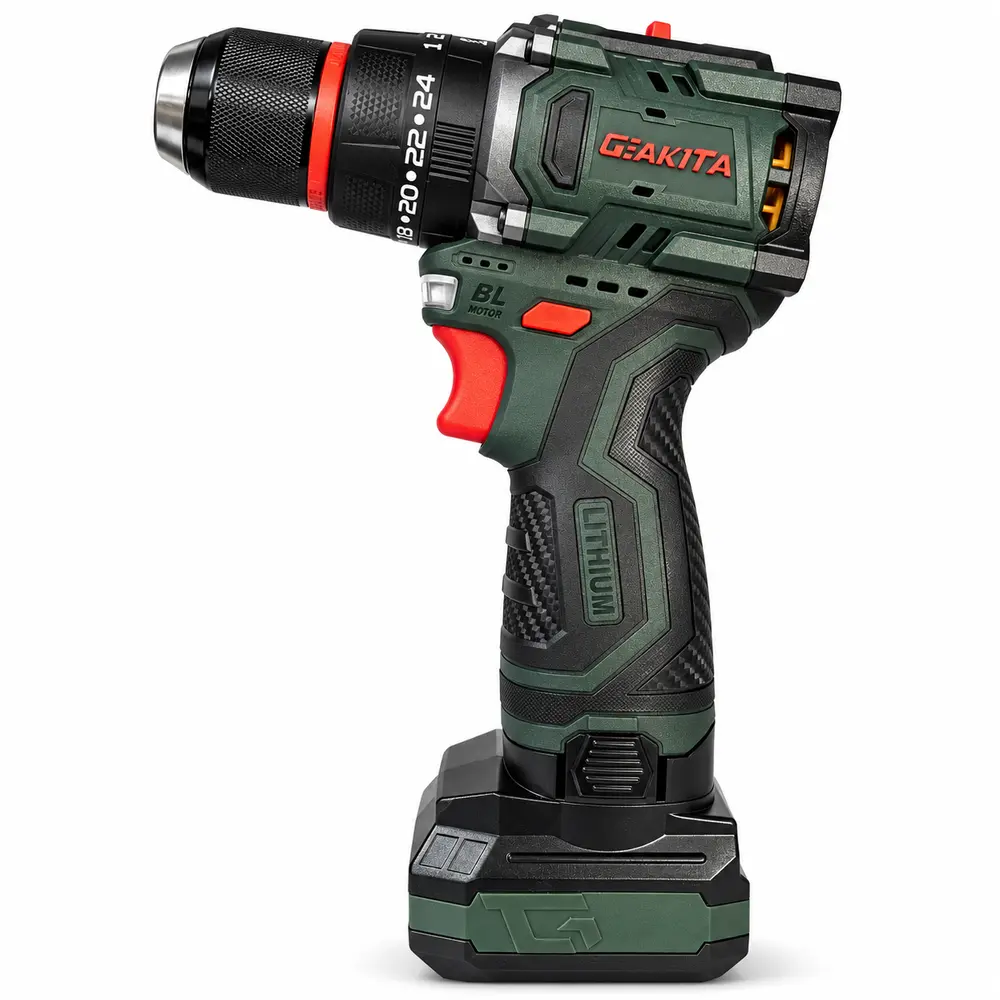
Compare the exact model specifications and define the battery, charger and accessory configuration for the order.
View DK03 →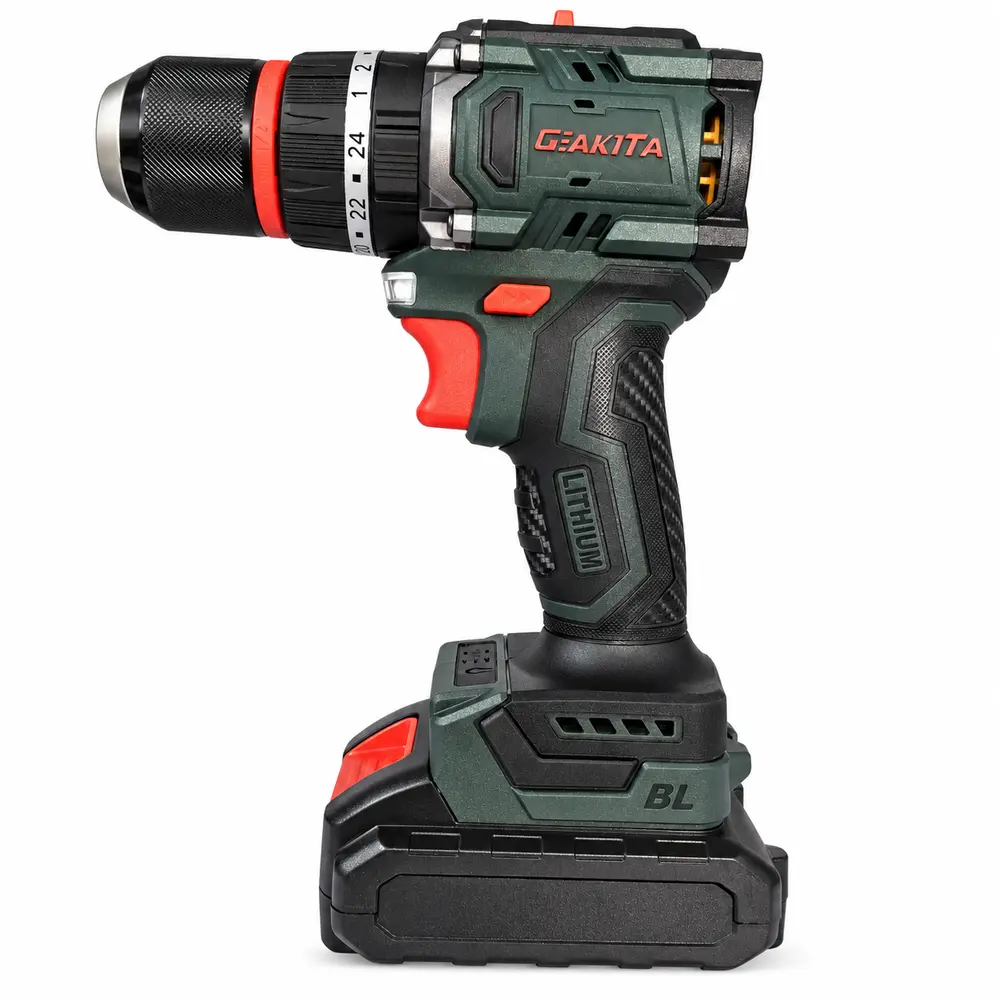
Compare the exact model specifications and define the battery, charger and accessory configuration for the order.
View PT12 →Compare the exact model specifications and define the battery, charger and accessory configuration for the order.
View PT12-1 →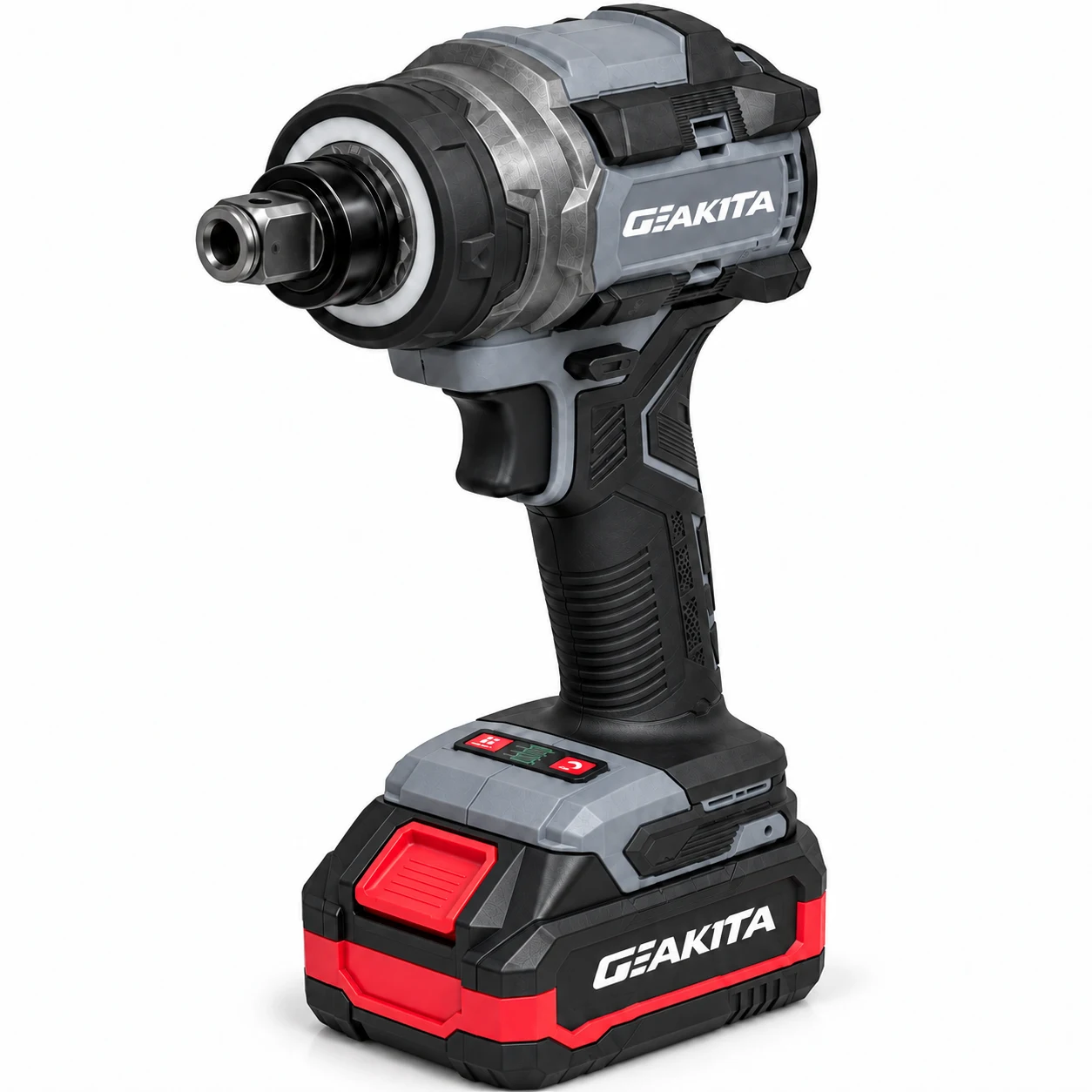
A distinct wrench, compatible-bit drilling and screwdriving offer. Explain its connections and exact kit contents alongside the drill assortment.
View TF350 →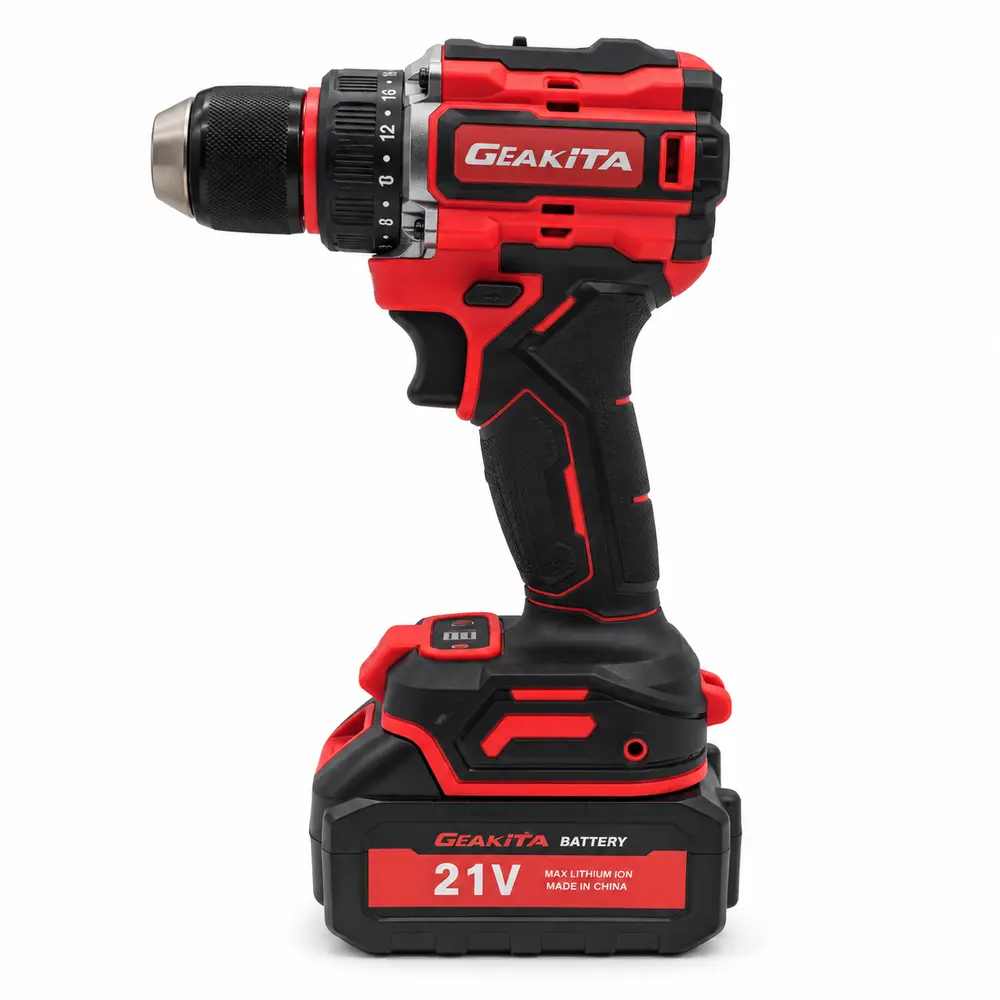
Compare the exact model specifications and define the battery, charger and accessory configuration for the order.
View PT05 →Compare the exact model specifications and define the battery, charger and accessory configuration for the order.
View PT05-1 →Compare the exact model specifications and define the battery, charger and accessory configuration for the order.
View PT06 →Compare the exact model specifications and define the battery, charger and accessory configuration for the order.
View PT06-1 →Select exact specifications and quantities for the order. This shortlist is a planning route, not a fixed kit or a guarantee of suitability for every task.
| Buying situation | Selection direction | Record before ordering |
|---|---|---|
| Compact shelf space | Prioritize distinct tool roles and useful accessories | Display dimensions, boxed-stock space and number of visible variants. |
| Multi-store rollout | Create a common SKU and presentation specification | Category labels, series identity, pack images and launch quantities by location. |
| Recurring consumable sales | Give bits and supported spare packs their own positions | Reference codes, replenishment units and model compatibility. |
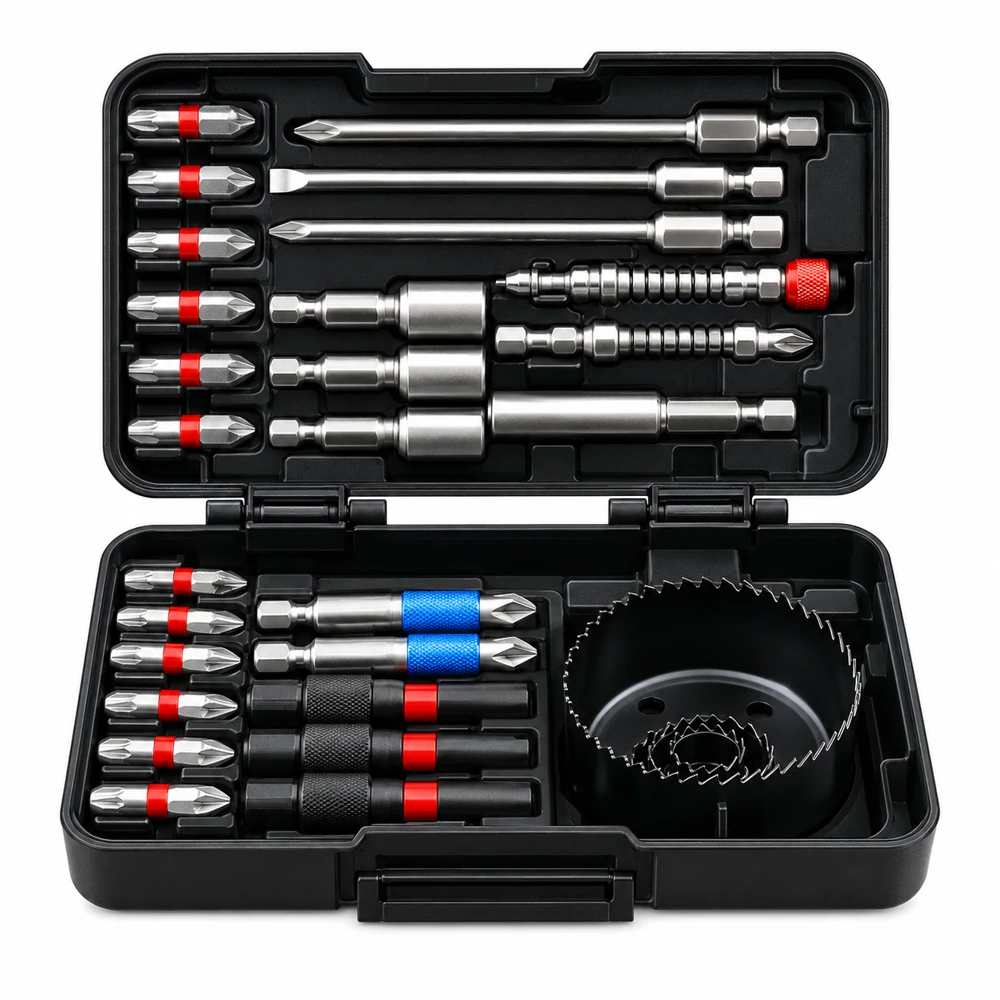
The terminal handbook specifies same-series grouping, hero SKU placement and batteries / chargers alongside the tool system. Category labels and specification highlights help make the selection visible.
Opening materials can include posters, brochures, warranty cards and shopping bags. Record the required quantities and design approvals as part of the launch plan.
Explore retail execution →Record country, store count, format and the planned rollout stages.
Provide shelf dimensions, tool positions, accessory space and storage needs.
Agree local-language labels, barcode records, specifications and kit images.
Separate opening quantities from repeat orders for batteries and consumables.
Use one brand and information standard, then adapt the assortment and fixture quantities to each format. Special brand applications require approval under the handbook.
Yes. Use the OEM route to define the branding and packaging scope; do not mix an own-brand brief with GEAKITA authorized retail execution.
Choose your channel and list the jobs your customers need to complete. Include quantities and configurations so the discussion can move from a category to a workable order.
Submit your requirements to GEAKITA. You will receive a reference number after successful submission.